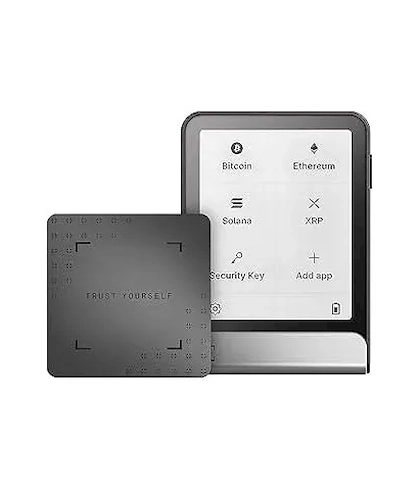
Ledger Flex™ (Specs / Connectivity / Compatibility / Getting Started)

Ledger Flex™ (Specs / Connectivity / Compatibility / Getting Started)

This page summarizes the key points and notes for the Ledger Flex™ (specs / connectivity / compatibility / getting started), covering core background, operational flow and safe-use guidance, helping users understand the relevant information and avoid common pitfalls. Content is for reference only; the official documentation is authoritative.

  • Compact E Ink touchscreen for daily carry
  • NFC + Bluetooth BLE + USB-C connectivity
  • CC EAL6+ certified Secure Element
Contact us for pricing 1799
Factory-Direct Ledger
Privacy-First Shipping
Chinese & English Support

Variants & Options

Standard

Choose a variant

Specifications

Mobile: Bluetooth BLE 5.2 (iOS/Android)
Desktop: USB-C
NFC: for Recovery Key / Security Key scenarios (per official documentation)
Compatibility: 64-bit Windows/macOS/Ubuntu desktops, iOS 14+ / Android 10+; Chromebook not supported
Screen & interaction: E Ink touchscreen, 16 grayscale levels, 480×600 resolution
Dimensions & weight: approx. 78.4×56.5×7.7mm, approx. 57.5g
Security: Secure Element chip; CC EAL6+ certification; Ledger OS

Authenticity Verification

Initialization and recovery information must be held offline by you in person
For every authorization/confirmation, prioritize the information on the device screen
Stay cautious with "unknown links / unknown installers / being rushed to confirm"

Use Cases

Daily carry usage
Phone-and-desktop dual-scenario
Scenarios needing clearer confirmations with portability

Service Scope

Personal use / Daily carry
Long-term use

Privacy

Local confirmation + Offline storage

Overview

Overview

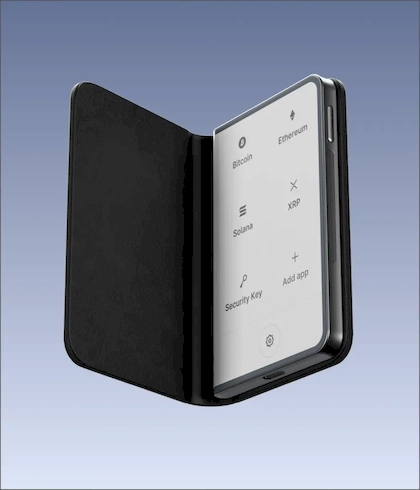
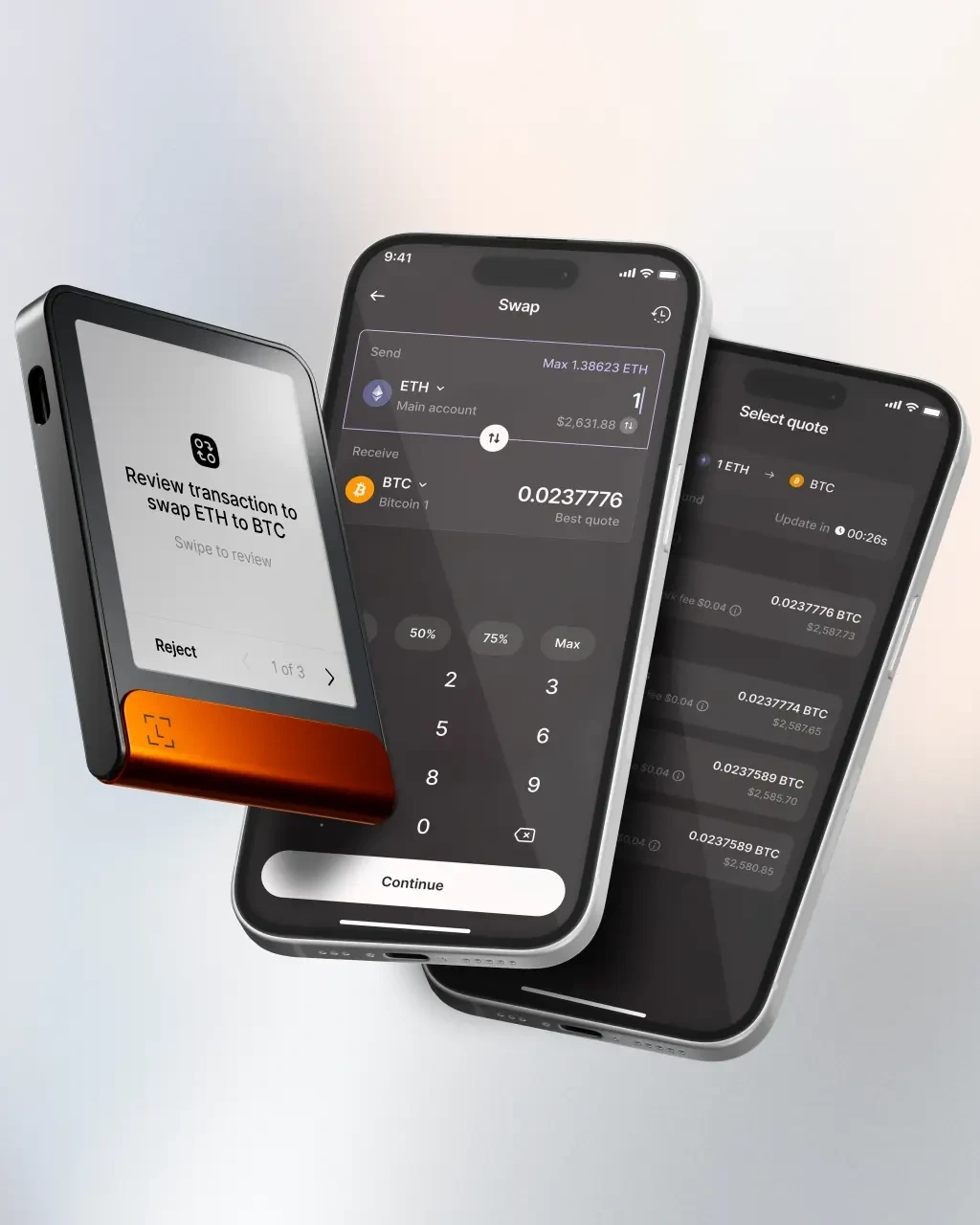
The Ledger Flex™ is positioned as a "touch-confirm + full-connectivity" balanced option: the E Ink touchscreen displays key information more clearly, and it packs three connectivity/interaction-related capabilities — Bluetooth BLE, USB-C and NFC — suitable for dual phone-and-desktop use.

Connectivity & Compatibility

  • Mobile: Bluetooth BLE 5.2 (iOS/Android).

  • Desktop: USB-C.

  • NFC: used for Recovery Key / Security Key scenarios (per official documentation).

System requirements follow the official list: 64-bit Windows/macOS/Ubuntu desktops, and iOS 14+ / Android 10+; Chromebook is not supported.

Screen & Interaction

The E Ink touchscreen supports 16 grayscale levels at 480×600 resolution — designed for "read clearly, then tap to confirm."

Dimensions & Weight

About 78.4×56.5×7.7mm, roughly 57.5g; leans toward "balance of readability and portability."

Safety Reminders

  • Initialization and recovery-phrase custody must be held offline by you in person.

  • For every authorization/confirmation, prioritize checking the information on the device screen.

  • Stay cautious with "unknown links / unknown installers / being rushed to confirm" scenarios.

Standing disclaimer: this page is provided for product information and usage reminders only and does not constitute any commitment or recommendation; please choose rationally based on your own needs and pay attention to information security.

(Product official spec source: Ledger)
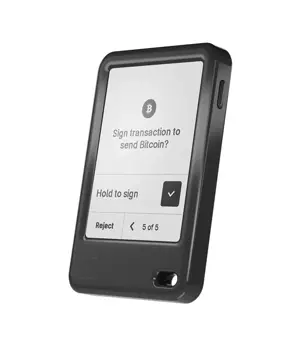
FAQ

Ready to Order Factory-Direct Ledger?

Shop Ledger through a Ledger authorized channel with English & Chinese support, discreet shipping and localized RMA coordination.

Support