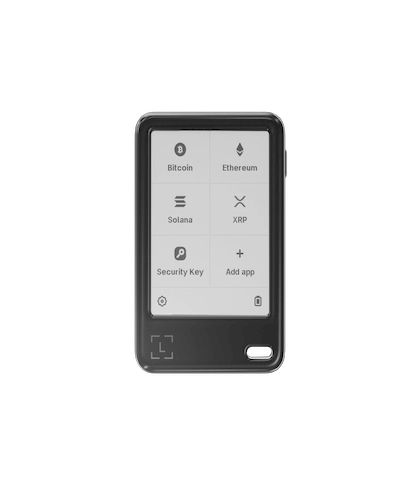
Ledger Nano™ Gen5 (Specs / Compatibility / Getting Started)

Ledger Nano™ Gen5 (Specs / Compatibility / Getting Started)

This page summarizes the key points and notes for the Ledger Nano™ Gen5 (specs / compatibility / getting started), covering core background, operational flow and safe-use guidance, helping users understand the relevant information and avoid common pitfalls. Content is for reference only; the official documentation is authoritative.

  • E Ink touchscreen — no button navigation
  • Bluetooth + USB-C dual connectivity
  • CC EAL6+ certified Secure Element
Contact us for pricing 1699
Factory-Direct Ledger
Privacy-First Shipping
Chinese & English Support

Variants & Options

Standard Edition

Choose a variant

Specifications

Connectivity: Bluetooth® (BLE 5.2); NFC (for specific security-related functions); USB Type-C (for desktop and Android devices)
Interfaces: USB Type-C; NFC; Bluetooth (BLE 5.2)
Interaction: E Ink® touchscreen; monochrome display; scratch-resistant glass with anti-glare coating; 300×400 resolution
Dimensions & weight: 79.4mm × 53.3mm × 8.6mm; approx. 46g
Security: Secure Element chip (ST33K1M5); CC EAL6+ certification; Ledger OS
Compatibility: 64-bit desktop OS (Windows 10/11; macOS Big Sur/Monterey/Ventura; Ubuntu LTS 20.04/22.04, excluding ARM); mobile OS (iOS 15+ or Android 10+); Chromebook not supported
Asset support: wide asset coverage via third-party wallets; 500+ assets via companion apps (continuously expanding)
In the box: device; USB-C to USB-C cable; recovery information sheet; Ledger Recovery Key; documentation and compliance materials

Authenticity Verification

Initialization must be completed in person; on first power-on, set a PIN and create recovery information following on-device prompts
Any practice involving "remote guidance to read out your recovery information / screenshot storage" is unsafe
Information confirmation must rely on the device screen — do not trust computer/phone screens alone

Use Cases

Daily management and transfer confirmations (defer to the device screen for confirmations)
Mixed mobile and desktop usage (connect phone/computer per system requirements)
Scenarios that need clearer information verification (touchscreen makes viewing and confirming easier)

Service Scope

Personal use / Family backup / Long-term storage
Long-term use

Privacy

Local confirmation + Offline storage

Overview

Overview

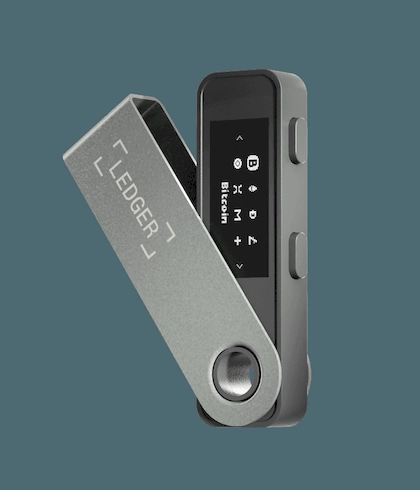
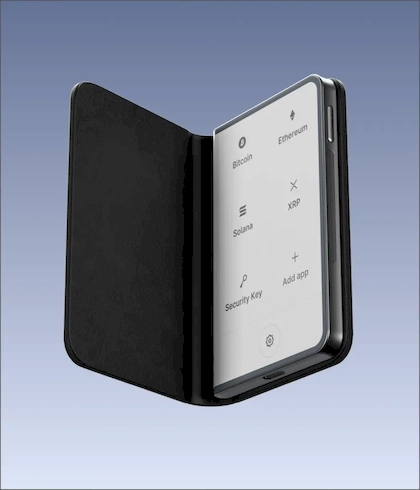
The Ledger Nano™ Gen5 is built around the idea of "keeping critical data offline + confirming on the local screen." It supports Bluetooth, USB-C and NFC connectivity, and uses an E Ink touchscreen display — a good fit for users who want information to be clearer and operations more intuitive at confirmation time.

Connectivity & Compatibility

  • Bluetooth: works with smartphones (iOS/Android) for easy mobile use.

  • USB-C: for desktop computers and Android devices.

  • NFC: for specific security-related functions (refer to the device and official documentation).

System compatibility follows the official system requirements: 64-bit Windows/macOS/Ubuntu desktops, and iOS 15+ / Android 10+ phones; Chromebook is not supported.

Interaction & Display

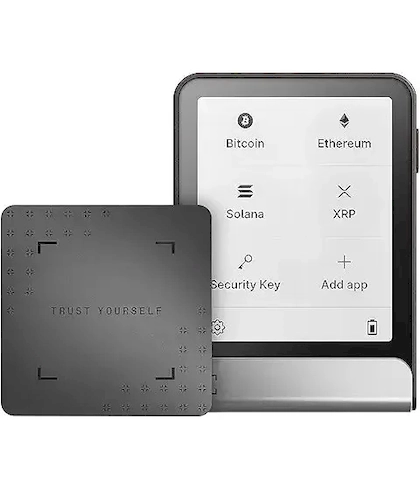
The device uses an E Ink touchscreen, monochrome display; resolution is 300×400, with scratch-resistant and anti-glare treatment. Key confirmations should always rely on the information shown on the device screen — build the habit of "look at the screen, then confirm."

Dimensions & Weight

About 79.4×53.3×8.6mm, weighing roughly 46g — portable for daily carry or as a long-term backup device.

Safety & Usage Notes

  • Initialization and recovery-phrase custody must be done officially by you in person; avoid any form of "remote request / screenshot storage / cloud sync."

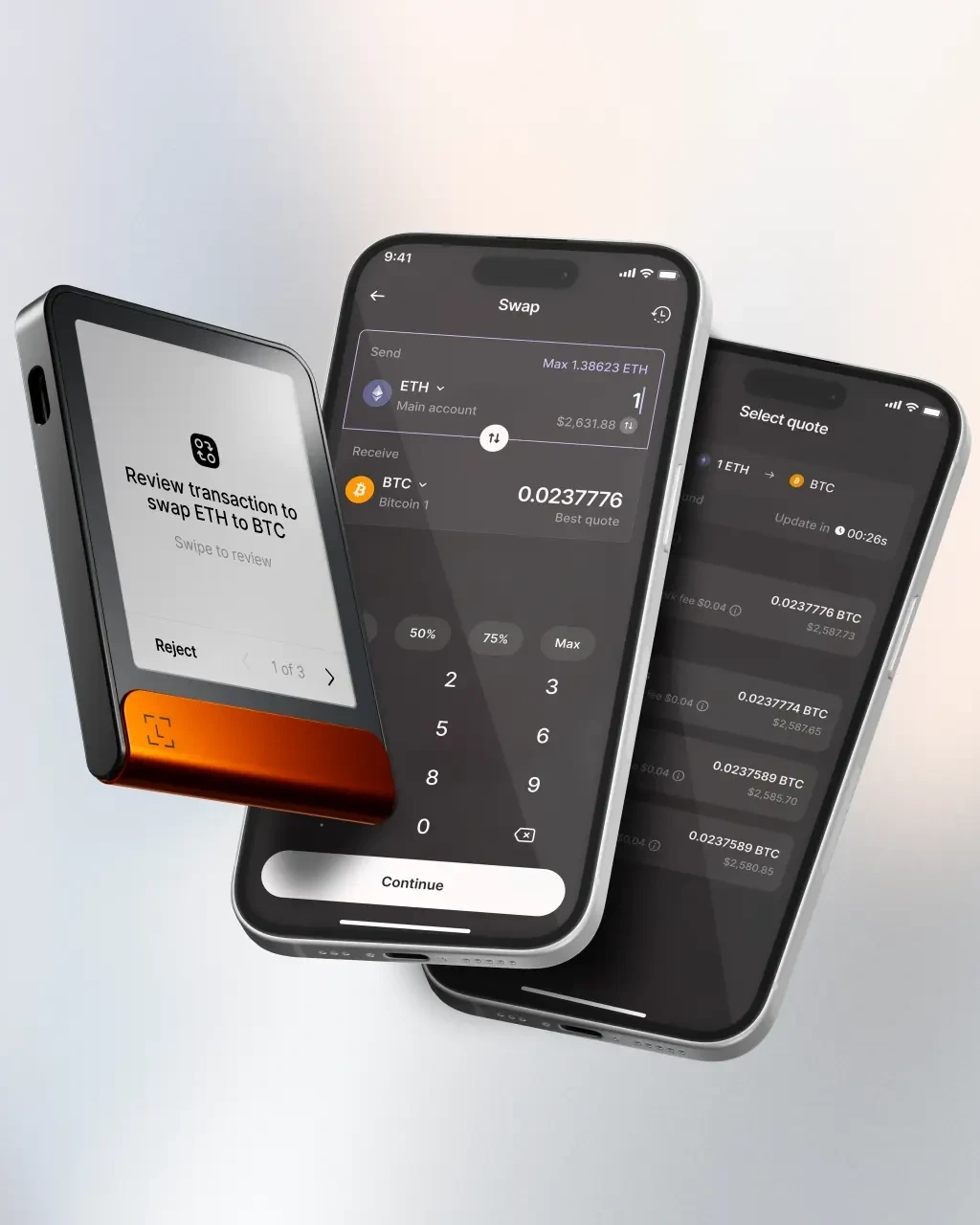
  • When transferring or authorizing, prioritize verifying the key fields (such as recipient and amount) on the device screen; do not rely only on the phone/computer interface.

  • For long-term use, periodic self-checks and backup verification are recommended (follow the official guidelines).

Who It's For

  • People who frequently switch between phone and computer

  • People who want clearer information display and more intuitive operation

  • People who want to anchor the "confirmation" step back on the device side

Standing disclaimer: this page is provided for product information and usage reminders only and does not constitute any commitment or recommendation; please choose rationally based on your own needs and pay attention to information security.

(Product official spec source: Ledger)
FAQ

Ready to Order Factory-Direct Ledger?

Shop Ledger through a Ledger authorized channel with English & Chinese support, discreet shipping and localized RMA coordination.

Support